Icons for your brand
Describe the look — refracted light, pixel art, isometric, anything you can imagine — and get a whole set back as SVG you can open, read and edit, on the canvas beside the rest of your brand.
· Real SVG out· Any style you can describe· Three concepts per brief· Preview | Code on the node
Three steps, one canvas.
- 01
Brief in
Logo Icon Generator takes a brand name and brief and returns three deliberately different concepts: a monogram, a category metaphor and a personality mark.
- 02
Draw the set
SVG Generator turns a prompt and an optional reference image into clean SVG markup, so the rest of the set can follow the mark you chose.
- 03
Carry it through
Brand Kit takes the logo on to a written style guide, a social OG image and a Tailwind theme, all on-brand.
Real runs, unedited.
Ten icons for a fictional AI inference platform, drawn three times on one canvas: the same ten subjects, three style briefs, thirty SVGs. Swap the brief and the whole set changes with it. Straight off the canvas, unedited.
Refraction
Thin gray line work that splits into red, green and blue light where it leaves the lower-right edge.
01 · Model / Inference Core 
02 · API Endpoint 
03 · Low Latency 
04 · Tokens / Throughput 
05 · GPU Compute Cluster 
06 · Streaming Response 
07 · Model Catalog 
08 · API Keys / Security 
09 · Autoscaling 
10 · Usage Analytics
Bitmap Blue
One-color pixel art on a 16×16 grid: square pixels only, staircase diagonals, sharp at 16px and 64px.

01 · Model / Inference Core 
02 · API Endpoint 
03 · Low Latency 
04 · Tokens / Throughput 
05 · GPU Compute Cluster 
06 · Streaming Response 
07 · Model Catalog 
08 · API Keys / Security 
09 · Autoscaling 
10 · Usage Analytics
Violet Axis
True isometric line forms at 30°, with one solid violet face picking out the detail that matters.
01 · Model / Inference Core 
02 · API Endpoint 
03 · Low Latency 
04 · Tokens / Throughput 
05 · GPU Compute Cluster 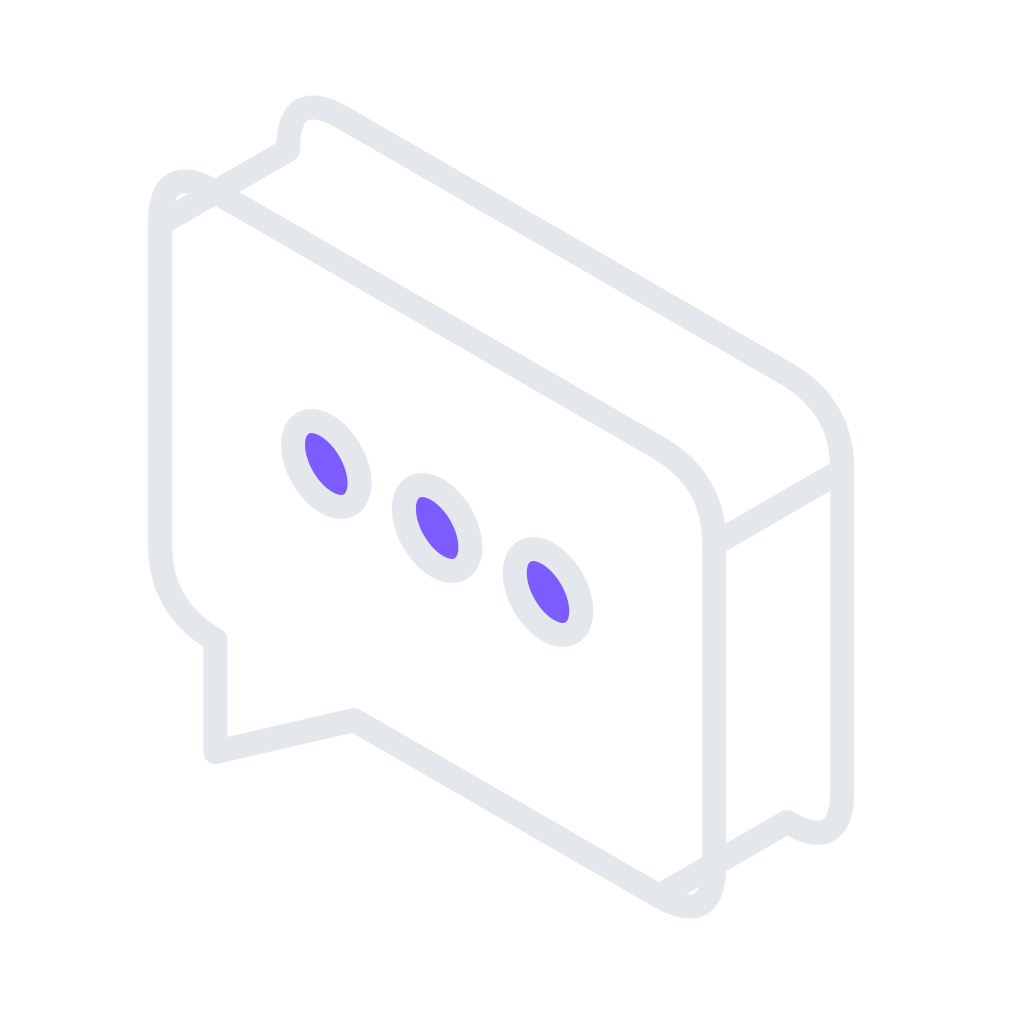
06 · Streaming Response 
07 · Model Catalog 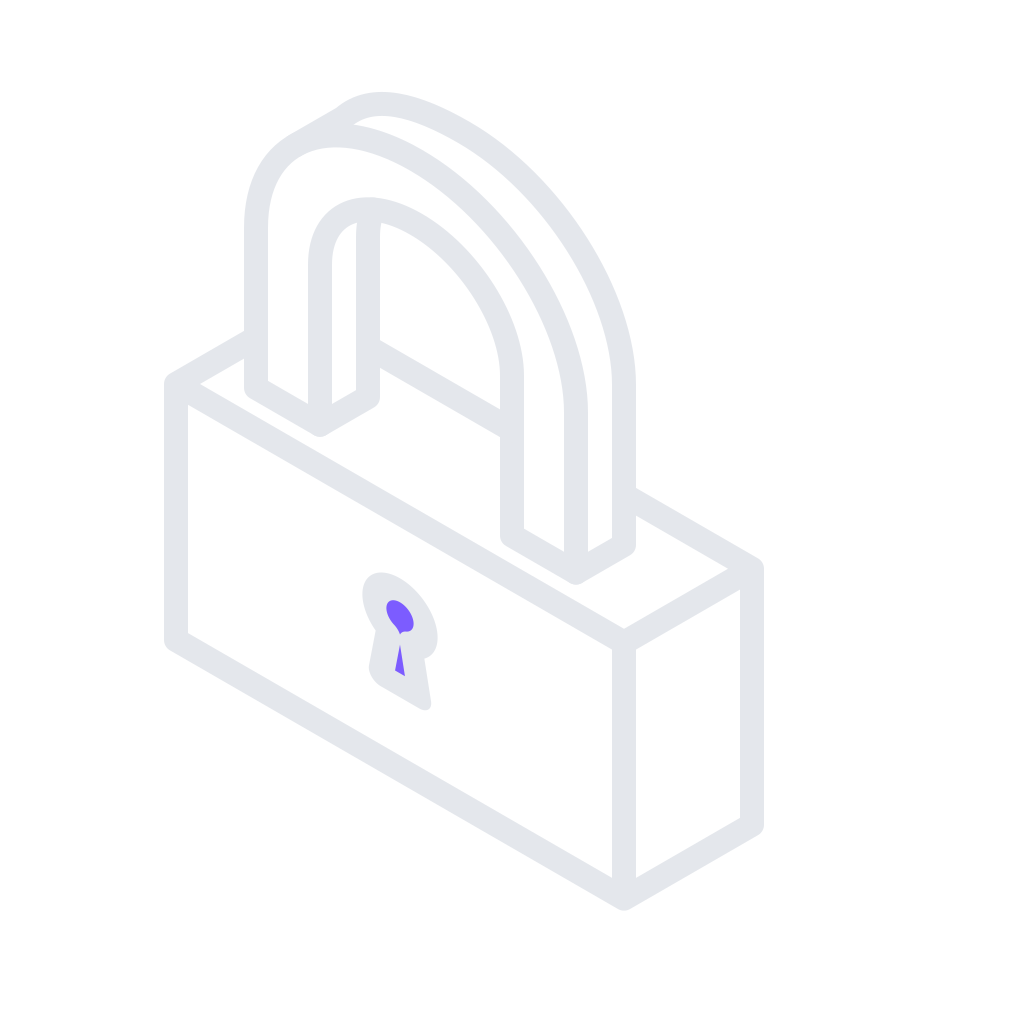
08 · API Keys / Security 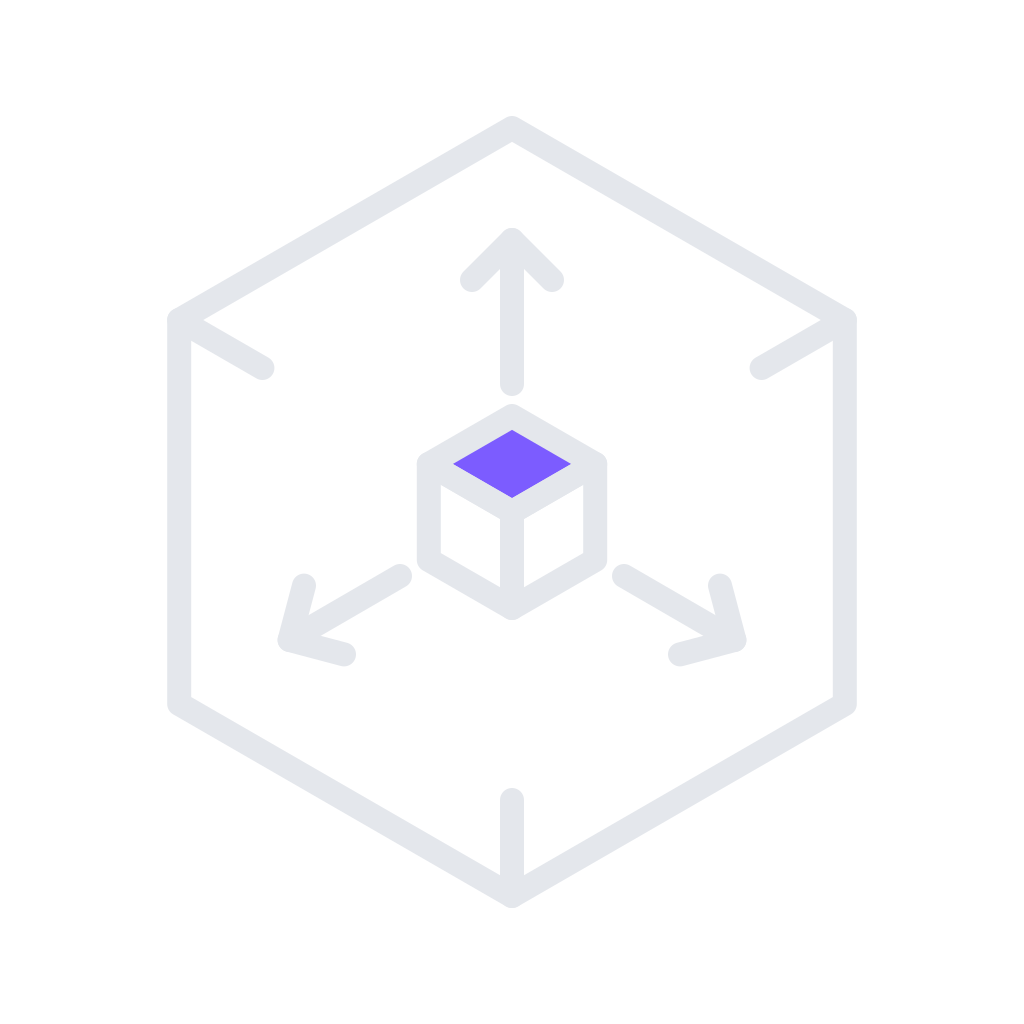
09 · Autoscaling 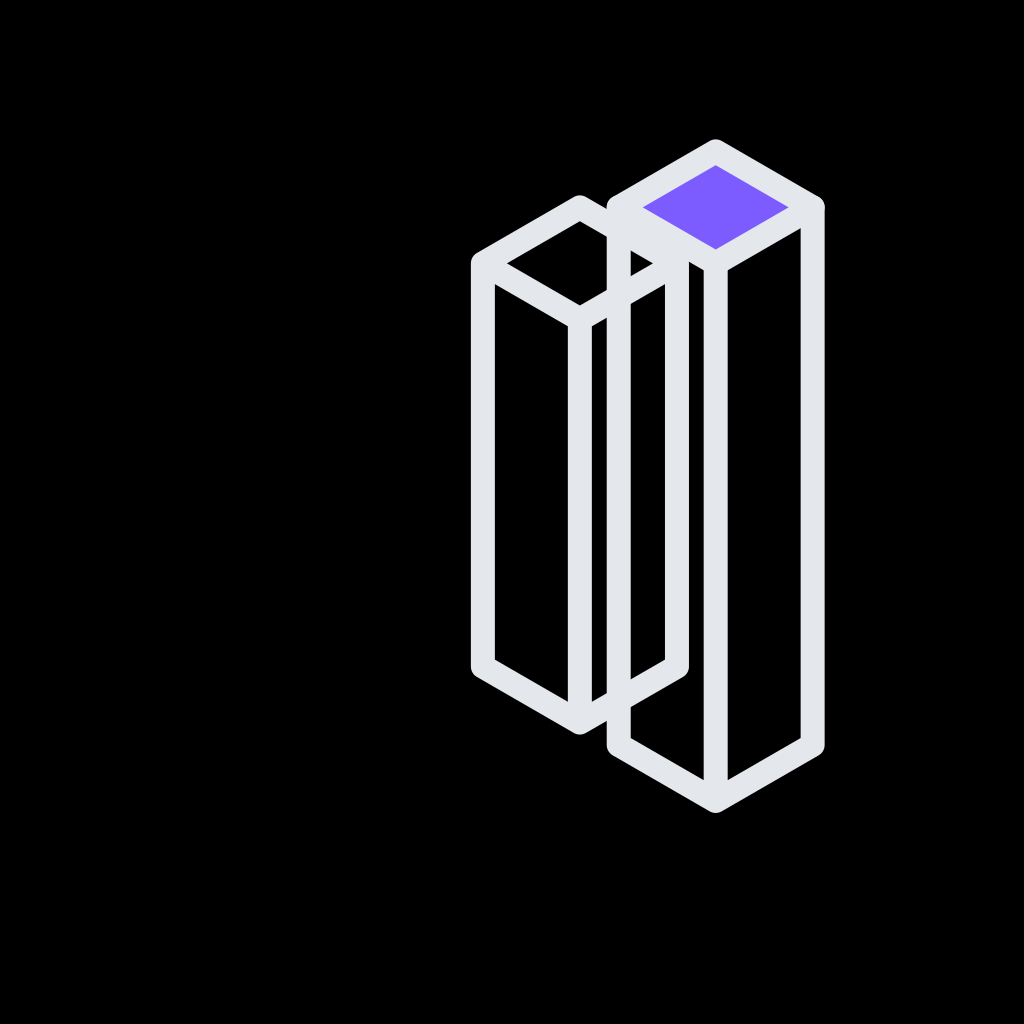
10 · Usage Analytics
Start from a workflow.
Each one is a real graph on the canvas. Open it, bring your own input, and change anything.
The tools it runs on.
- Create & edit screens Live HTML screens from one brief, then open any of them full-screen and edit it by hand or with the agent.
- Live shaders GLSL that runs on the canvas, with knobs to tune it, a studio to edit it and any frame captured as an image.
- Rebrand a page Paste a URL. Get three brand directions, then every page regenerated in the one you pick.