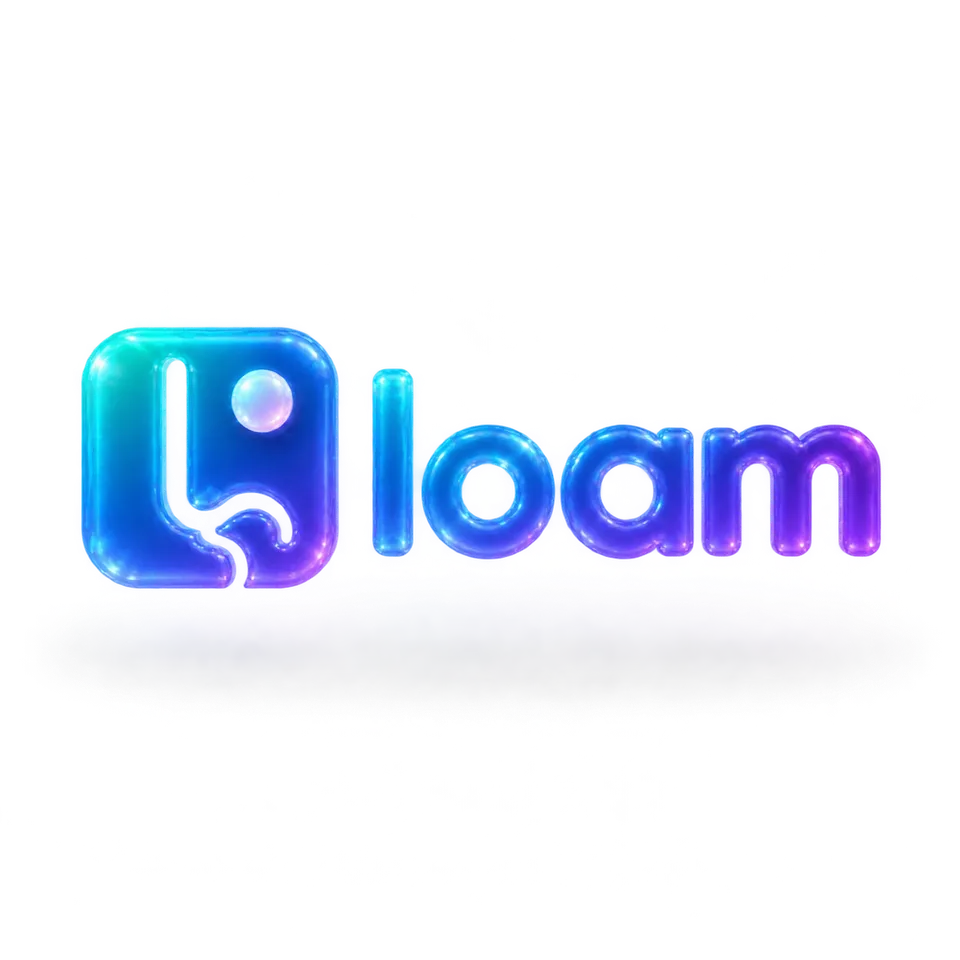
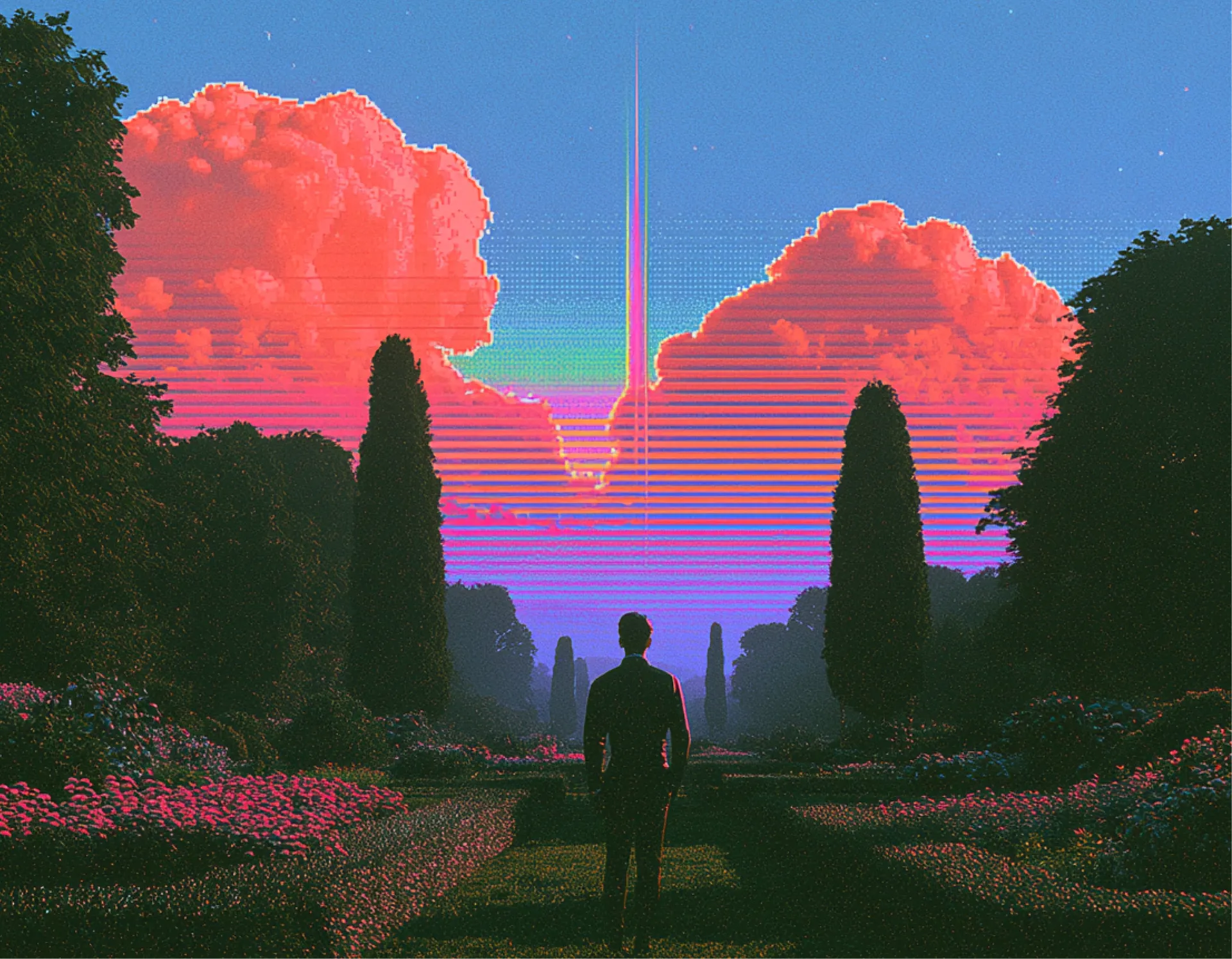
Prebuilt workflow · Generate assets

Retexture Router

Fan one source image out into a grid of preconfigured retexture styles, generated in parallel.

· You bring Source image· style variants

Translucent Glass
GPT Image 2.5 SunburstAutoStyles

CRITICAL: You MUST preserve the EXACT silhouette and shape of the input image. Keep the same proportions, composition, and outline. Do NOT change the object into something else — only retexture the surface material while keeping the original shape pixel-perfect. Retexture the image attached based on the JSON below: { "style_name": "Translucent Glass", "retexture_mode": "shape_lock", "object_analysis": { "preserve_silhouette": true, "geometry_sensitive_mapping":…

43 lines · 1.6k charsEditorExpand
AttachmentsResponse
IMAGE$0.02Run

IMAGE
Translucent Glass Output
OUT_N1.PNG1:1
IMAGE
Translucent Hyperglass
GPT Image 2.5 SunburstAutoStyles

CRITICAL: You MUST preserve the EXACT silhouette and shape of the input image. Keep the same proportions, composition, and outline. Do NOT change the object into something else — only retexture the surface material while keeping the original shape pixel-perfect. Retexture the image attached based on the JSON below: { "style_name": "Translucent Hyperglass", "retexture_mode": "shape_lock", "object_analysis": { "preserve_silhouette": true, "geometry_sensitive_mapp…

39 lines · 1.4k charsEditorExpand
AttachmentsResponse
IMAGE$0.02Run

IMAGE
Translucent Hyperglass Output
OUT_N3.PNG1:1
IMAGE
Iridescent Glass
GPT Image 2.5 SunburstAutoStyles

CRITICAL: You MUST preserve the EXACT silhouette and shape of the input image. Keep the same proportions, composition, and outline. Do NOT change the object into something else — only retexture the surface material while keeping the original shape pixel-perfect. Retexture the image attached based on the JSON below: { "style_name": "Iridescent Glass", "style": "Iridescent Glass", "material": "glass with transparent and iridescent effects", "surface_texture": "smooth, …

38 lines · 1.3k charsEditorExpand
AttachmentsResponse
IMAGE$0.02Run

IMAGE
Iridescent Glass Output
OUT_N5.PNG1:1
IMAGE
Liquid Chrome
GPT Image 2.5 SunburstAutoStyles

Retexture the image attached based on the JSON below: { "style_name": "Liquid Chrome", "retexture_mode": "full_wrap", "object_analysis": { "preserve_silhouette": true, "geometry_sensitive_mapping": true, "detail_retention": "smooth surfaces, sculptural anatomy" }, "material_properties": { "base_material": [ "liquid chrome", "mirror-finish metal" ], "surface_details": [ "ultra-reflective highlights", "soft metallic grad…

47 lines · 1.1k charsEditorExpand
AttachmentsResponse
IMAGE$0.04Run
IMAGE
Liquid Chrome Output
OUT_N7.PNG1:1
IMAGE
Satin Embroidery Patch
GPT Image 2.5 SunburstAutoStyles

CRITICAL: You MUST preserve the EXACT silhouette and shape of the input image. Keep the same proportions, composition, and outline. Do NOT change the object into something else — only retexture the surface material while keeping the original shape pixel-perfect. Retexture the image attached based on the JSON below: { "style_name": "Satin Embroidery Patch", "retexture_mode": "shape_lock", "object_analysis": { "preserve_silhouette": true, "geometry_sensitive_mapp…

57 lines · 2.2k charsEditorExpand
AttachmentsResponse
IMAGE$0.04Run
IMAGE
Satin Embroidery Patch Output
OUT_N9.PNG1:1
IMAGE
Playful 3D Emoji Plastic
GPT Image 2.5 SunburstAutoStyles

CRITICAL: You MUST preserve the EXACT silhouette and shape of the input image. Keep the same proportions, composition, and outline. Do NOT change the object into something else — only retexture the surface material while keeping the original shape pixel-perfect. Retexture the image attached based on the JSON below: { "style_name": "Playful 3D Emoji Plastic", "retexture_mode": "shape_lock", "object_analysis": { "preserve_silhouette": true, "geometry_sensitive_ma…

39 lines · 1.3k charsEditorExpand
AttachmentsResponse
IMAGE$0.04Run
IMAGE
Playful 3D Emoji Plastic Output
OUT_N11.PNG1:1
IMAGE
Gen All
IMAGE
Source Image
Source Image1:1
IMAGE
Matte Studio Hybrid
GPT Image 2.5 SunburstAutoStyles

CRITICAL: You MUST preserve the EXACT silhouette and shape of the input image. Keep the same proportions, composition, and outline. Do NOT change the object into something else — only retexture the surface material while keeping the original shape pixel-perfect. Retexture the image attached based on the JSON below: { "style_name": "Matte Studio Hybrid", "retexture_mode": "shape_lock", "object_analysis": { "preserve_silhouette": true, "geometry_sensitive_mapping…

55 lines · 1.9k charsEditorExpand
AttachmentsResponse
IMAGE$0.03Run
IMAGE
Matte Studio Hybrid Output
OUT_N15.PNG1:1
IMAGE
Cartoon 3D Render
GPT Image 2.5 SunburstAutoStyles

CRITICAL: You MUST preserve the EXACT silhouette and shape of the input image. Keep the same proportions, composition, and outline. Do NOT change the object into something else — only retexture the surface material while keeping the original shape pixel-perfect. Retexture the image attached based on the JSON below: { "style_name": "Cartoon 3D Render", "style": "cartoon 3D render", "material": { "base": "smooth plastic", "texture": "uniform and polished", "f…

42 lines · 1.3k charsEditorExpand
AttachmentsResponse
IMAGE$0.02Run

IMAGE
Cartoon 3D Render Output
OUT_N17.PNG1:1
IMAGE
Holographic Iridescent Render
GPT Image 2.5 SunburstAutoStyles

CRITICAL: You MUST preserve the EXACT silhouette and shape of the input image. Keep the same proportions, composition, and outline. Do NOT change the object into something else — only retexture the surface material while keeping the original shape pixel-perfect. Retexture the image attached based on the JSON below: { "style_name": "Holographic Iridescent Render", "visual_rules": { "form": { "shape": "smooth, organic curvature with aerodynamic flow", "stru…

45 lines · 1.6k charsEditorExpand
AttachmentsResponse
IMAGE$0.04Run
IMAGE
Holographic Iridescent Render Output
OUT_N19.PNG1:1
IMAGE
Floating Glassy Neon 3D
GPT Image 2.5 SunburstAutoStyles

CRITICAL: You MUST preserve the EXACT silhouette and shape of the input image. Keep the same proportions, composition, and outline. Do NOT change the object into something else — only retexture the surface material while keeping the original shape pixel-perfect. Retexture the image attached based on the JSON below: { "style_name": "Floating Glassy Neon 3D", "retexture_mode": "shape_lock", "object_analysis": { "preserve_silhouette": true, "geometry_sensitive_map…

60 lines · 2.1k charsEditorExpand
AttachmentsResponse
IMAGE$0.03Run
IMAGE
Floating Glassy Neon 3D Output
OUT_N21.PNG1:1
IMAGE
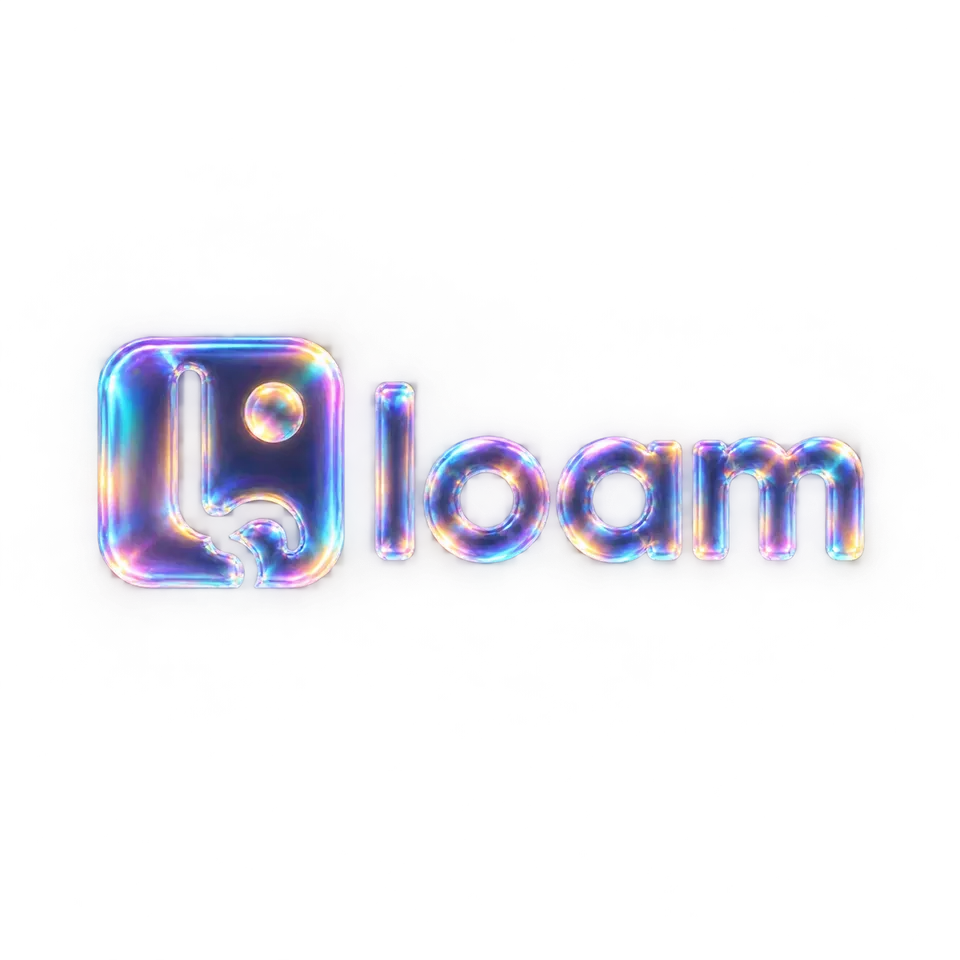
Voxel 3D
GPT Image 2.5 SunburstAutoStyles

CRITICAL: You MUST preserve the EXACT silhouette and shape of the input image. Keep the same proportions, composition, and outline. Do NOT change the object into something else — only retexture the surface material while keeping the original shape pixel-perfect. Retexture the image attached based on the JSON below: { "style_name": "Voxel 3D", "style": "voxel 3D", "material": { "base": "hard plastic", "texture": "smooth with subtle gridlines", "finish": "sem…

44 lines · 1.2k charsEditorExpand
AttachmentsResponse
IMAGE$0.02Run
IMAGE
Voxel 3D Output
OUT_N23.PNG1:1
IMAGE
Run all

A real run, unedited11 generations · $0.33 of walletBrand and inputs are fictional, made in Vmotif · 2026-09-24

What came back

Straight off the canvas.

Everything below is what this run returned, untouched.

How it runs

One stage, all at once.

What each stage reads, what it makes and what it cost on this run. Steps inside a stage don’t wait on each other, so they run side by side.

  1. 01

    11 images

    Reads your inputs

    • Translucent Glass
    • Translucent Hyperglass
    • Iridescent Glass
    • Liquid Chrome
    • Satin Embroidery Patch
    • Playful 3D Emoji Plastic
    • Matte Studio Hybrid
    • Cartoon 3D Render
    • Holographic Iridescent Render
    • Floating Glassy Neon 3D
    • Voxel 3D

    11 steps, side by sideGPT Image 2.5 Sunburst$0.33

From your agent

Or let your agent run it.

This run went through the Vmotif MCP server, the way Claude Code, Cursor or any MCP client drives it: seed the canvas, fill the inputs, run the graph.

create_canvas({ premade_workflow_id: "retexture-router" })
update_canvas({ canvas_id, updates: [/* your inputs */] })
run_workflow({ workflow_id: canvas_id })
MCP docs
More in Generate assets

Produce finished visual assets — vectors, video, and bulk style variations — straight from the canvas.