Rebrand a page
Paste a URL. Vmotif reads the whole site through a real browser, shows you three brand directions as live homepages, then regenerates every page in the one you commit to.
· Real-browser scrape· Three directions· Every page regenerated
Three steps, one canvas.
- 01
Point it at a site
Site Redesign scrapes every page through a real browser, so the redesign starts from what is actually there.
- 02
Pick a direction
Three brand directions, each rendered as a live homepage. No site yet? Brand Explorer does the same from a brief.
- 03
Regenerate the rest
Commit one and every page comes back as an enhanced, on-brand screen, ready to open in the screen editor.
Real runs, unedited.
What these workflows returned for a fictional brand, with inputs also made in Vmotif. Open any workflow below to see its whole canvas.
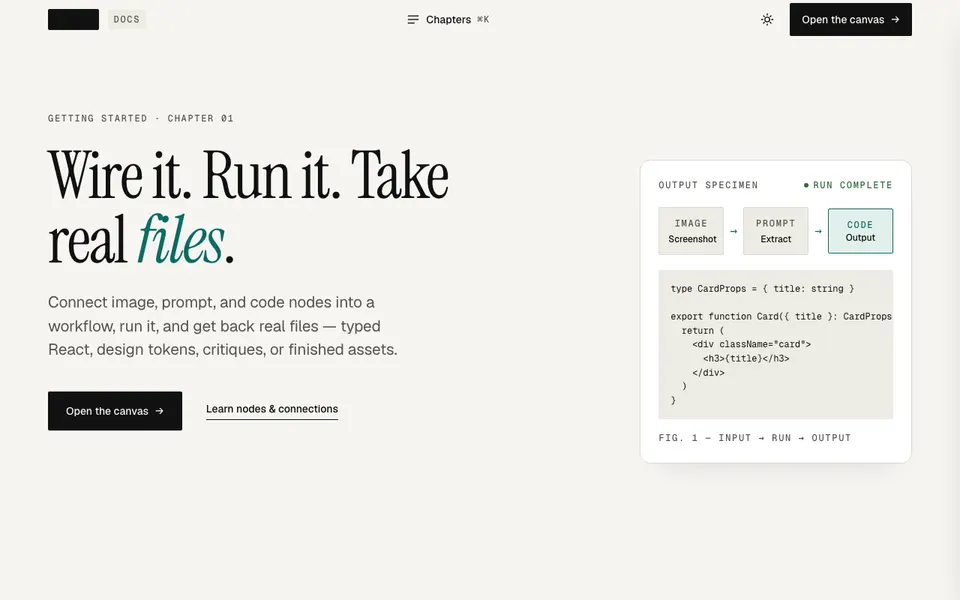
Site Redesign · Direction A — Editorial Authority — Homepage 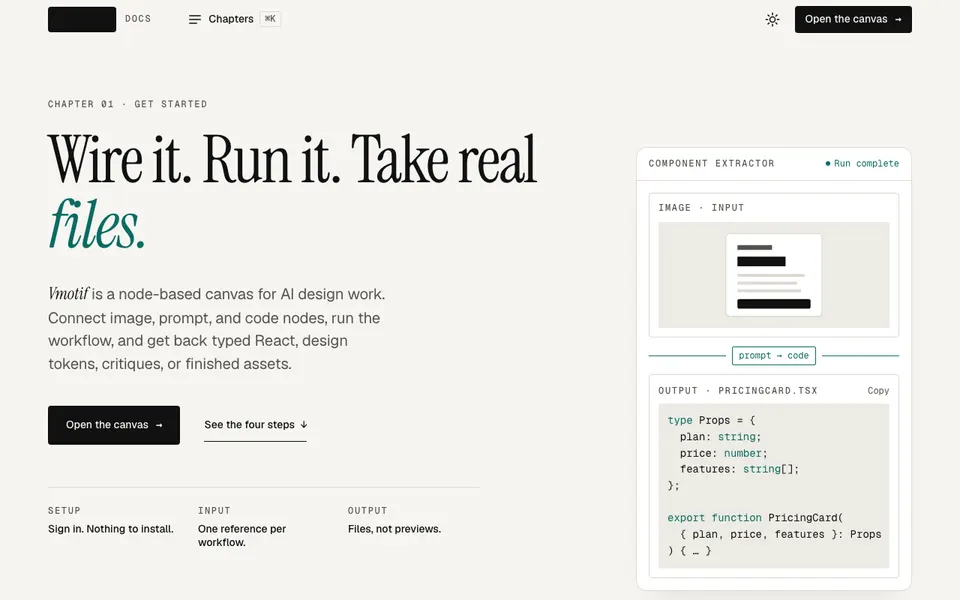
Site Redesign · Redesigned — Getting started · Vmotif docs | Vmotif 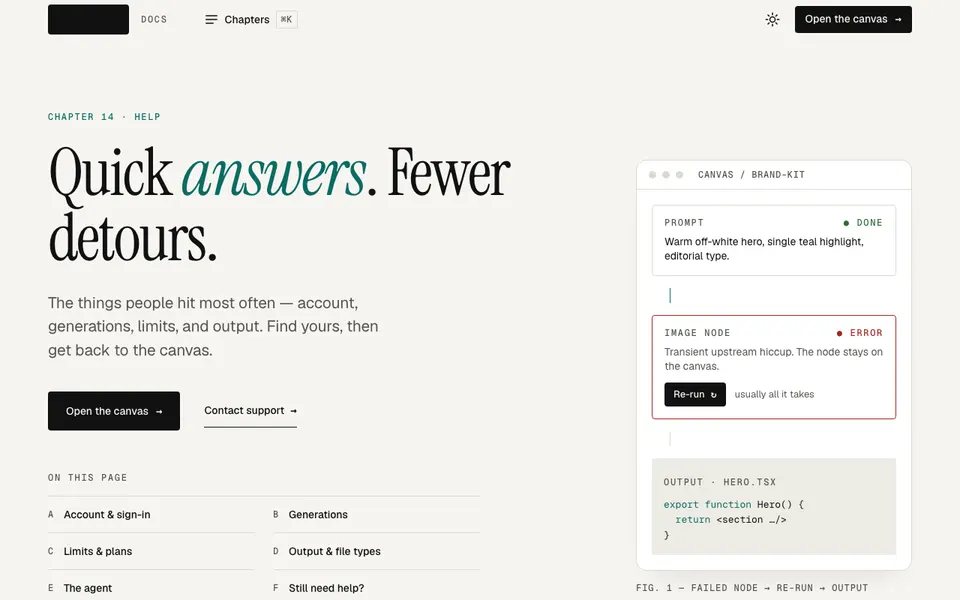
Site Redesign · Redesigned — FAQ & troubleshooting · Vmotif docs | Vmotif 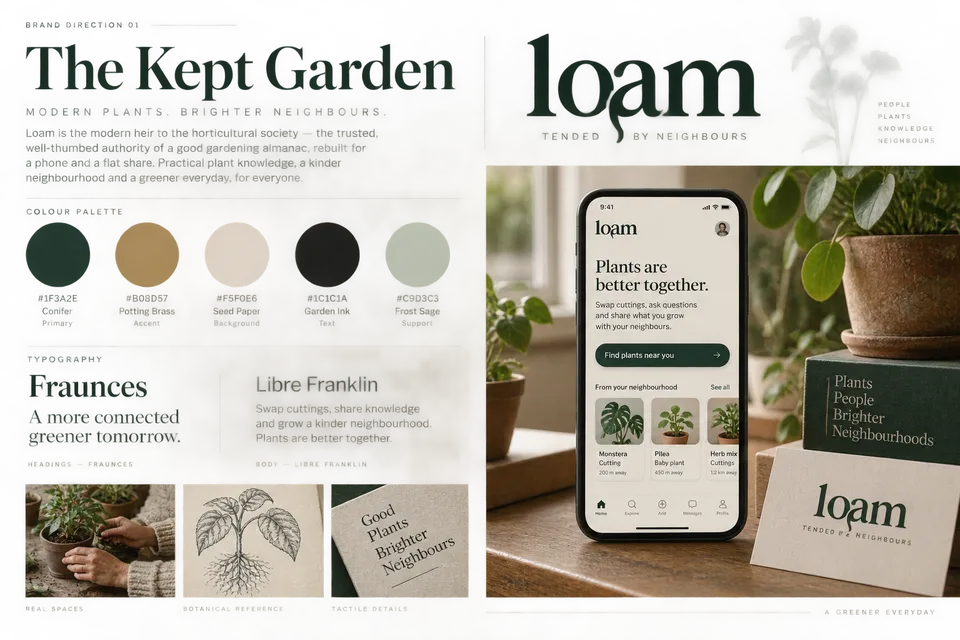
Brand Explorer · Direction 1 Board 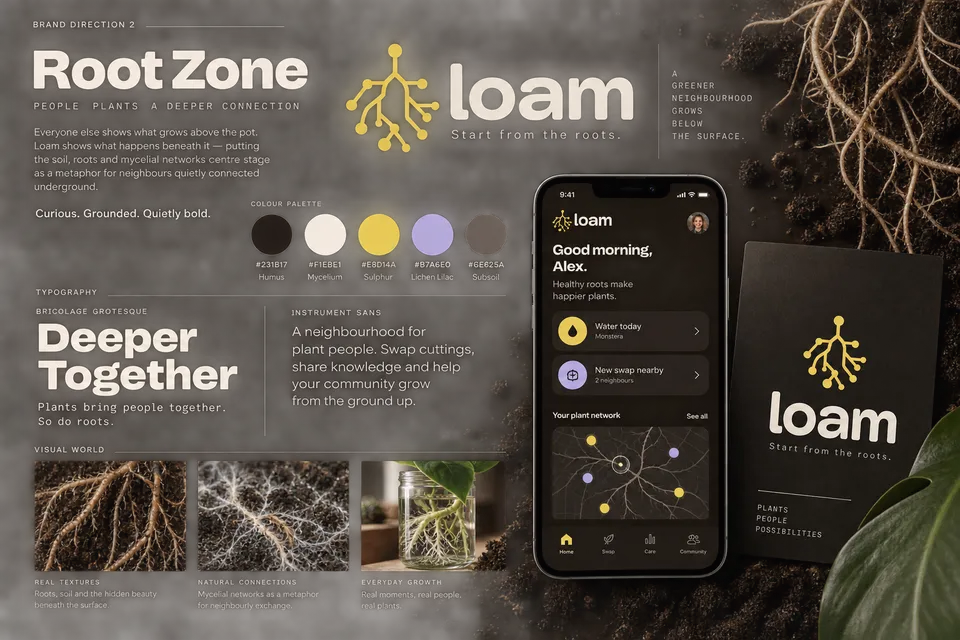
Brand Explorer · Direction 2 Board 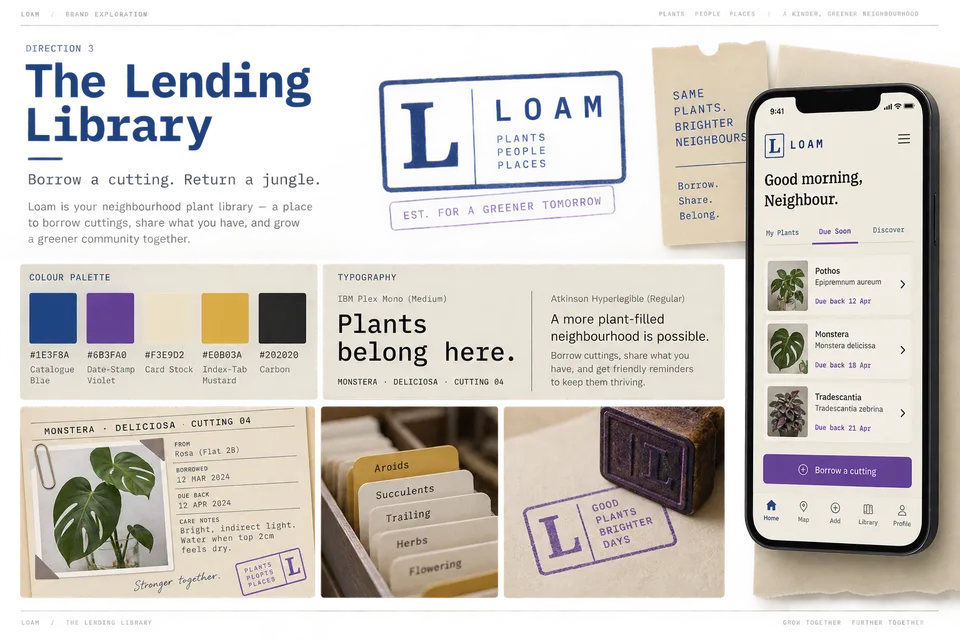
Brand Explorer · Direction 3 Board
Start from a workflow.
Each one is a real graph on the canvas. Open it, bring your own input, and change anything.
The tools it runs on.
- Create & edit screens Live HTML screens from one brief, then open any of them full-screen and edit it by hand or with the agent.
- Icons for your brand Marks and icon sets drawn to your brief, handed back as clean SVG you can open and edit.
- Live shaders GLSL that runs on the canvas, with knobs to tune it, a studio to edit it and any frame captured as an image.